 Chromeo
Visual focus timer for iPhone
Time you
can feel.
A visual focus timer built for creative work. Fast, minimal, and editable while running.
View on the App StoreQuestions? We’re here to help.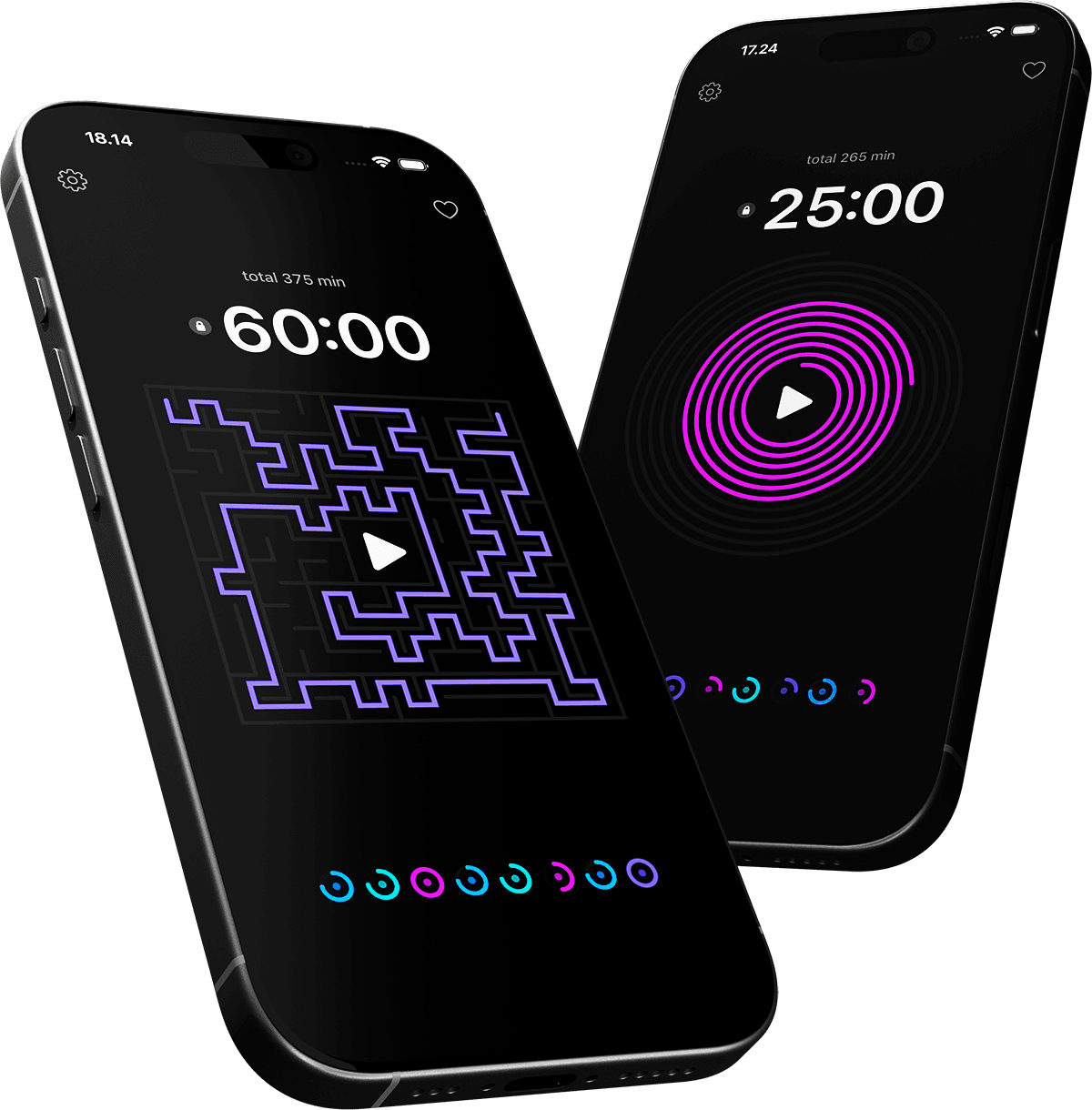
A visual Pomodoro timer
See your focus session take shape.
Chromeo turns time into a changing visual: a spiral closes, a ring fills, a maze resolves or a cube shifts. Choose a style for the task in front of you and follow your session without relying on a numeric countdown alone.
Adjust time as you work
Set a session through touch, with haptic feedback as you make adjustments. You can change the timer while it is running, so a writing sprint or design session can grow with the work.
Make room for focus and breaks
Use Chromeo for Pomodoro sessions, study blocks or a stretch of creative work. Set time for the next task, start the timer and let the visual show how the session is progressing.
Start without an account
Chromeo works locally on your device. Local notifications let you know when a session ends. No account, tracking or personal data collection is needed. Read the privacy policy.
For writing, design, study and everyday focus.
Give a task a clear window of time: draft a page, sketch an idea, work through a study topic or plan a break. Chromeo is designed for people who prefer a visual sense of time, with a minimal interface that keeps setup short.
Chromeo is an iPhone app by Ultraviolet Friend, a creative studio in Helsinki.
View Chromeo on the App StoreQuestions about Chromeo
Can I change a timer after starting it?
Yes. Adjust the time and session settings while the timer is running.
Can I use Chromeo for Pomodoro sessions?
Yes. Use it to time focused work and breaks, with session lengths that fit your task.
Do I need an account?
No. Chromeo works locally on your device and does not require an account.
Visit support for notifications, troubleshooting and contact details.